Installation Guide
Setup Flux Launcher on your device with our step-by-step visual walkthrough.
macOS Installation
Step 01
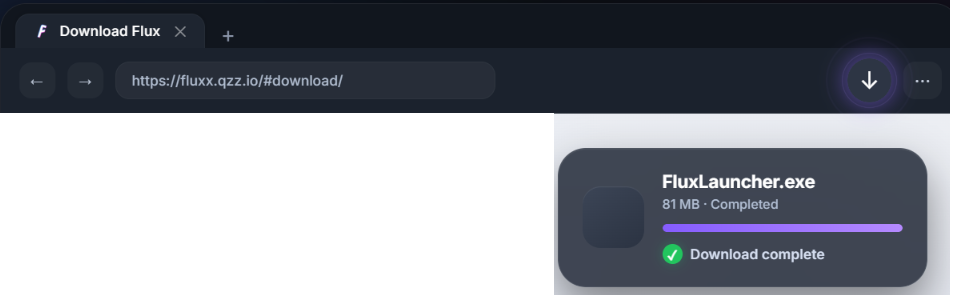
Open Installer
Double-click the FluxLauncher.dmg file from your downloads.
Step 02
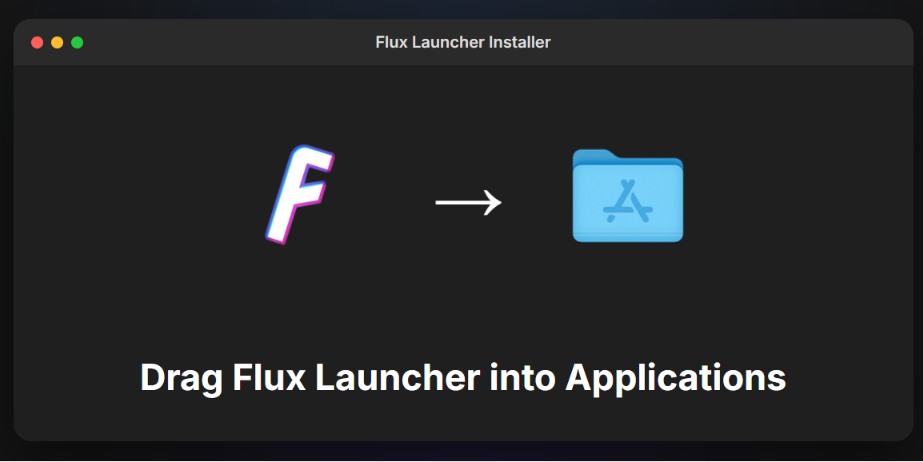
Drag to Apps
Drag the Flux icon into your Applications folder.
Step 03

Launch Flux
Find Flux Launcher in your Launchpad and open it.
Windows Installation
Step 01

Run Setup
Launch Flux-Setup.exe and wait for the installer to finish.
Step 02

Permissions
Select Yes if Windows asks for administrative permissions.
Step 03

Login
Flux will open automatically. Log in with your Microsoft account.
Linux (AppImage)
Terminal Setup
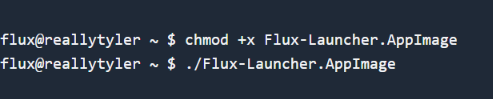
Portable Execution
Grant execution rights and run the AppImage directly from your terminal.
chmod +x Flux-Launcher.AppImage && ./Flux-Launcher.AppImage